Making Educational Content Multilingual With Murf AI
Online courses are everywhere now, but you know most of them still come in only one language. Usually English. And that instantly cuts out a huge chunk of people who want to learn but feel more comfortable in their own language.
Earlier, translating or dubbing a course meant spending a lot of money, waiting weeks, and dealing with extra people. So most creators just skipped it.
Now things are a lot simpler. Tools like Murf AI let you turn a single-language course into a multilingual one without recording everything again. The voice translator is honestly the star here because it makes the whole process super quick.
Here’s why it actually matters and how Murf makes it easy.
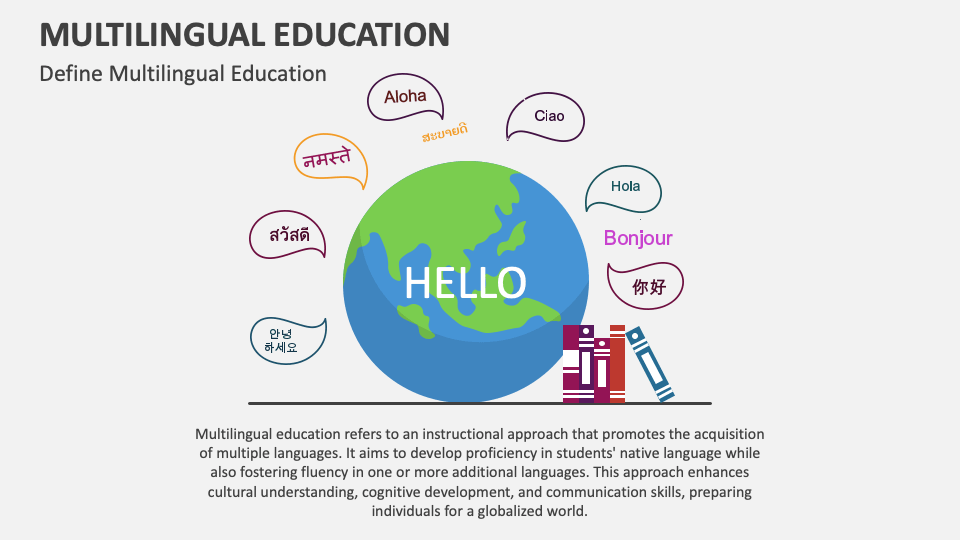
Why Multilingual Content Actually Helps
Bigger audience - Add Hindi, Spanish, Arabic, or anything else, and boom - your course instantly reaches way more people.
Better understanding - Even people who speak English well prefer learning tough topics in their own language. They get the concepts faster.
You stand out - Most creators don’t bother doing multilingual versions. If you do, you look more professional and get more attention.
Less support work - When learners understand the content clearly, they ask fewer questions.
How Murf AI Makes the Process Easy
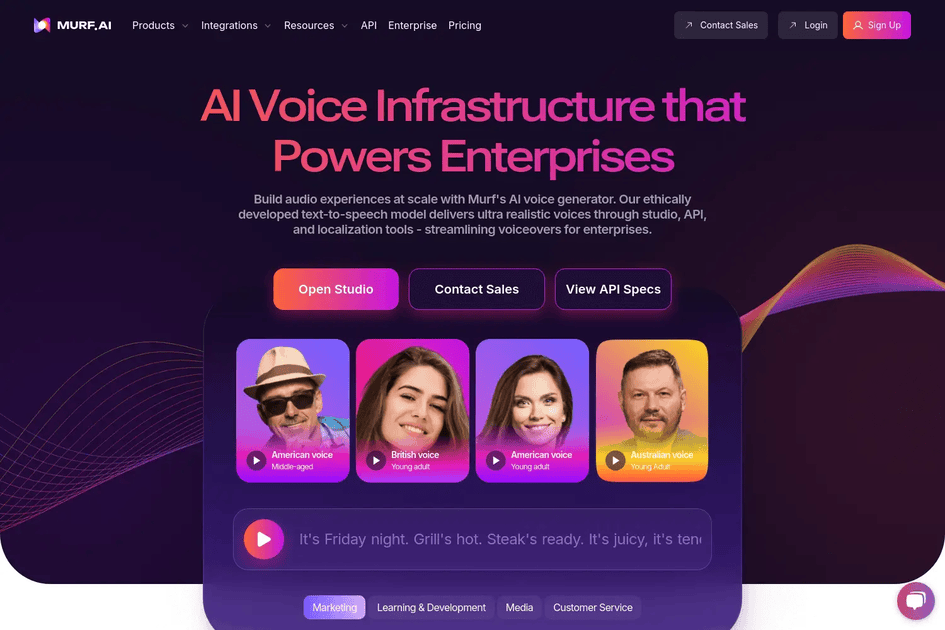
In the past, you’d hire translators, voice artists, studios… the whole drama. Murf cuts all that out.
1. Translate your audio fast
Upload your file, choose the languages, and click generate. Done.
2. Pick from natural voices
They have voices in different accents, tones, moods - you can tweak it till it sounds right.
3. Smooth dubbing for videos
If you have video lessons, Murf keeps everything synced so the audio matches the visuals.
4. Same workflow for all languages
Once you figure out the steps, you can repeat it for 5, 10, or 20 languages easily.
How to Convert Your Course With Murf AI
Here’s the simple version:
- Upload your audio or video
- Translate it using Murf’s voice translator
- Pick a voice that fits your vibe
- Adjust the pacing or tone a bit
- Export and publish the new version
That’s literally it.
Why Creators Love This Approach
Faster than traditional dubbing
You can create multiple language versions in days, not months.
Costs way less
No studio, no voice actors, no outsourcing.
Same tone everywhere
Your course sounds consistent across all languages.
Scales easily
Perfect if you have a big library of lessons.
Who Uses This
- E-learning companies translate full course libraries
- YouTubers who want global reach
- Corporate teams train employees in different locations
- Coaches selling programs in multiple languages
- Colleges expanding to new regions
If one of your courses is doing well, translating it is one of the easiest ways to grow.
Tips for Better Multilingual Rollouts
- Start with one language first, then expand
- Ask a native speaker to check tricky terms
- Add subtitles too
- Keep your course flexible, so updates are easy
- Track which countries engage the most
Final Thoughts
Making multilingual content used to be expensive and tiring. Now it’s honestly pretty simple. Murf AI makes it fast, affordable, and doable for anyone.
If you want your course to reach a global audience, Murf’s voice translator is probably the easiest starting point.