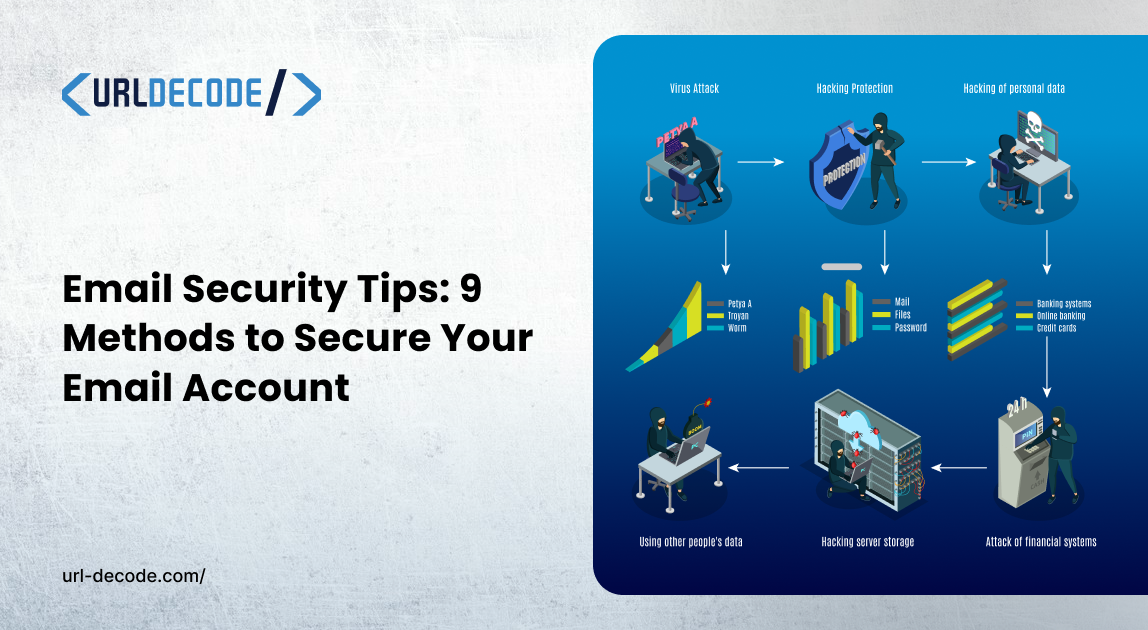
Email Security Tips: 9 Methods to Secure Your Email Account
We talk about email security like it’s a chore, something we do because HR or an IT policy requires it. But if you look at how data actually moves across the web, you realize your inbox is the primary hub for almost everything you own.
If you’ve ever used a tool to decode a URL or inspect a string of base64 data, you know that what you see isn’t always what’s happening under the hood. The same applies to your email. Most people think security is about a "strong password," but real security is about understanding how your data is being exposed, encoded, and intercepted.
1. The Password Manager is Non-Negotiable
Let’s be real: human beings are terrible at creating unique passwords. If you’re reusing the same password for your bank as you are for that random newsletter site, you’re just waiting for a credential stuffing attack. A password manager doesn't just "store" passwords; it forces you to use high-entropy strings that you don't have to memorize. It’s the single biggest leap you can take in your security posture.
2. Stop Treating 2FA as Optional
Two-factor authentication (2FA) is the "friction" that saves you. If an attacker manages to decode your password from a leaked database, 2FA acts as the final gate. If a service doesn’t offer it, you should seriously question whether you should be using it at all.
3. Your Antivirus is Your Last Line of Defense
We often think of email security as a "cloud" problem, but the endpoint matters. If a phishing email manages to slide past your filters, your antivirus (AV) is the last thing standing between a malicious payload and your system. Don’t just run "quick scans." When in doubt, perform a deep scan of your directories. Hackers hide scripts in places you’d never think to look.
4. Decode the Phish (Don’t Just Read It)
Most people try to spot a phishing link just by hovering their mouse over it, but attackers are smarter than that. They’re masters of obfuscation. If you see a URL packed with weird hex sequences, base64 strings, or redirect chains, don't just guess what it does; decode it.
Use a tool to unwrap that mess. If you look at a URL and it’s a jumbled disaster of symbols, it’s being intentionally hidden from you for a reason. Real websites don’t need to cloak their destination behind layers of encoding; scammers do.
5. The "Man-in-the-Middle" Reality
I’ve walked into countless coffee shops and seen people logging into their work email on the free Wi-Fi without a second thought.
Here is the reality check: that open network is basically a broadcast for anyone with the right software to see exactly what you’re sending. If you’re not using a VPN, you’re essentially typing your passwords out in the middle of a crowded room.
A VPN isn't just a "feature"; it’s the only thing keeping your traffic from being intercepted the second it leaves your laptop.
6. Stop Leaving Your "Home Base" Wide Open
We focus so much on complex passwords that we forget about the physical network they ride on. If you’re still using the default admin password printed on the sticker of your router, you’ve left your front door unlocked. The Kibosh router adds an extra layer of network security by helping protect connected devices and providing safer internet access across your entire network.
Treat your home network like a digital fortress: change that admin password immediately, use WPA3 encryption, and stop giving your primary Wi-Fi credentials to every friend who drops by. Set up a dedicated "Guest Network" for visitors. Your email and your private devices should be in a separate lane that guests can’t even see.
7. Quit Ignoring the Update Prompt
The "Restart to Update" message is the tech warning that people ignore the most, which is exactly what hackers want. Most of the time, those updates fix critical flaws that have already been found. You might think they're just small tweaks or annoying UI changes.
You're leaving a known security hole for someone to use every day that you put off a restart. It's not just an update; it's the only real defense your OS has against New threats. Do it as a security task, not as a bothersome thing.
8. Audit Your Connected Apps
Ever notice how many apps have "permission" to read your emails or access your account details? Every time you hit that "Sign in with Google" button for a one-off tool or a random service, you’re essentially handing out a set of keys to your digital identity. Most of us never go back to check who still has those keys months or even years later. Make it a monthly habit to dive into your account security settings. Look for the "Authorized Apps" section and be ruthless; if you aren't using the app right now, cut its access immediately. It’s one of the most effective ways to tighten your security without needing any fancy software.
9. Security Tools for Freelancers and Small Businesses
Freelancers and small businesses handle sensitive emails, files, and client data every day. Use basic security tools for freelancers and small businesses like a password manager, 2FA, antivirus, VPN, and secure cloud storage to protect your accounts and devices. If you manage email for a team, cloud email security can also help detect phishing emails, malicious links, and suspicious attachments.
10. Don’t Reuse Credentials Across Domains
I know I mentioned passwords in point #1, but this deserves its own emphasis. Credential reuse is the #1 way a minor compromise on a gaming site or a hobby forum becomes a catastrophic, full-scale breach of your email and banking accounts. If you use one key for every door in your life, you only need to lose that key once to be fully exposed. Keep your high-value accounts- the ones that hold the keys to your digital identity- on their own dedicated, complex passwords.
The Operational Reality
The truth is that email security isn’t a "set it and forget it" task. Modern threats shift in hours, not weeks. While these tips help you secure the individual account, organizations need a broader view of their communications.
If you are looking to move from a reactive posture to a proactive one, you need Cloud Email Security that works in real time. Resilience isn’t about never being attacked; it’s about having the visibility to stop a breach before it becomes a headline.
Real security isn't static. It’s a habit. Keep your systems clean, your passwords unique, and your skepticism high.