How Time Tracking and Employee Monitoring Work Better Together
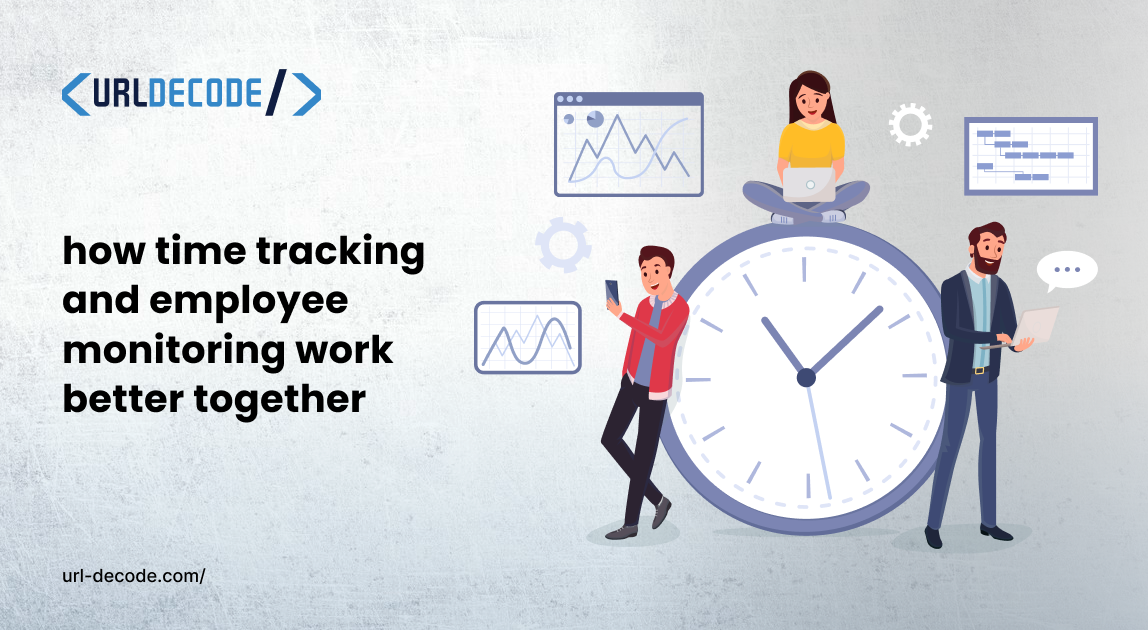
Most founders choose either employee monitoring or time tracking for their team. But very few companies combine both. And that is exactly where they're leaving value on the table.
Time tracking and employee monitoring aren't competitors. But they actually complement each other. You get more visibility on your team’s day and where problems are occurring.
Let's find out why the combo works so well and easily.
What Do They Actually Do?
You need to understand what time tracking and employee monitoring actually do.
An employee time tracking tool records when work starts and when work stops. It also tells you how many hours a task took. It also shows whether your team is hitting its targets.
Good employee time tracking software can also handle payroll, client billing, and project budgeting.
Employee monitoring software goes a layer deeper. It shows you what's happening during those hours. Which apps are open? How much of the day is active? Are people focused on the right work or are they constantly jumping between tabs?
Both tools give you data. But you need to combine this data to get full visibility.
Why Time Tracking Alone Isn't Enough
You're analyzing your team's timesheets. Everyone logged eight hours, and the numbers also look fine on paper.
But logging eight hours doesn't mean eight hours of productive work happened. Someone could clock in, spend two hours in their email inbox, then jump into a few meetings and still log a full day without moving a single project forward.
Time tracking shows you how long someone worked. It doesn't tell you what they actually did during that time.
That gap is where employee monitoring helps out. Without it, you're managing without full data.
Why Monitoring Alone Can Feel Invasive
On the other hand, if you only use monitoring software without time tracking, you end up with tons of data without context.
You can see that someone spent 40% of their day in a document editor. But was that a good use of their time? Were they working on the right project?
Monitoring shows you the activity. And time tracking tells you if that activity aligned with the actual work.
Without both, you might easily draw the wrong conclusions. And drawing wrong conclusions about how your employees' working hours can damage trust.
How the Two Work Better Together
When you combine time tracking and employee monitoring, the data starts working together. It becomes one complete picture.
For example, a project was estimated at 20 hours but ended up taking 35 hours instead. Time tracking detects this issue. But monitoring data shows you the reasons why it happened. Maybe the team was constantly switching between tasks. Or perhaps one tool was crashing and costing them 30 minutes a day. Maybe long meetings were reducing deep work time.
Without both tools running together, you'd just know the project ran late. But if you use both, you know exactly what caused it.
Tools like Apploye are built specifically to handle this kind of combined visibility. As an employee monitoring software, it pairs time tracking with activity monitoring, screenshots, app-URL tracking, and productivity reports in one place.
The Productivity Insights You Can't Get Any Other Way
Running both tools together also unlocks patterns that neither tool can detect alone.
A few examples of what you can actually discover:
Peak hours by person. Some employees do their best work in the morning. Others hit their peak just after lunch. Time and activity data combined can show you when each team member is most productive, while a time calculator helps track work hours, improve scheduling, and optimize overall efficiency. So that you can schedule deep work accordingly.
Meetings that kill output. If monitoring data shows activity drops every Tuesday afternoon and time logs show three hours blocked for a recurring meeting, that's not a coincidence. It's a problem you can fix.
Workload imbalances. One team member logging long hours but showing high idle time might be struggling. Another logging fewer hours but with near-constant activity might be burning out. You'd never spot either of these without both data points.
How to Roll This Out Without Killing Team Morale
The biggest mistake companies make when combining these tools is doing it quietly. That might damage trust between the employer and the team.
You should be upfront with your team regarding this. Tell them what and why you're tracking. Tell them that the goal is to help the team work smarter and not to build a case against anyone.
A few practical tips for a smooth rollout:
Start with a pilot group. Test the setup with a small team first and get their feedback before rolling it out company-wide.
Share the data with employees, too. Most modern platforms let employees see their own stats. That transparency turns monitoring from something that feels like surveillance into something that feels like a personal productivity tool.
Set clear policies in writing. What devices will be monitored? What hours? What happens with the data? Put it all in a document and make sure everyone has read it.
If your employees understand the purpose of the tools, they might push back less.
FAQ: Time Tracking and Employee Monitoring Together
Can one tool handle both time tracking and employee monitoring? Yes. There are several platforms that combine both features in a single dashboard, which makes it much easier to cross-reference data without switching between apps.
Is combining both tools more expensive? Not necessarily. Many all-in-one platforms are priced similarly to many standalone tools. In some cases, using one platform for both is actually cheaper than paying for two separate subscriptions.
Will employees feel over-monitored if both tools are running? Only if you handle the rollout poorly. With clear communication and shared access to data, most employees adapt quickly.
Does this work for remote teams? Yes, and it works especially well for remote teams. When you can't see what the team is doing physically, having both time and activity data gives you the visibility you need to manage fairly.
What industries benefit most from combining both tools? Any industry where output tracking matters: software development, customer support, marketing agencies, finance, and healthcare administration all see strong results from using both together.
Put the Two Together and See the Difference
Time tracking tells you how long, and employee monitoring tells you what happened during that time. Together, they tell you everything you need to manage your team with confidence.
If you're currently using just one of these tools, adding the other doesn't have to be a big project. Start small and be transparent with your team. Also, let the data guide your decisions.