Best Image Background Remover Tools in 2026
What if you have a large collection of images in RAW format and need to make them transparent quickly? In 2026, AI-powered background removal has become faster, simpler, and more accessible than ever before.
Previously, removing image backgrounds required professional design skills and complex software. Today, AI background remover tools allow anyone to erase backgrounds in seconds, no technical expertise required. Whether you're a content creator, freelancer, or creating product photos, thumbnails, banners, or profile images, the right background eraser will save you time and effort.
In this article, we are going to discuss the 10 best tools for removing backgrounds from your images, selected based on accuracy, ease of use, speed, and overall performance.
Factors to Choose the Best Background Remover Tools
While proceeding with the tool, one should remember that each tool must have the following factors:
- AI accuracy and edge detection
- Ease of use for beginners
- Good processing speed
- Free version availability
- Web-based access (no installation required)
Best Image Background Removing tools:
Here we shortlisted a few tools that take minimal effort to remove the background from images:
1. Background-Remover.co
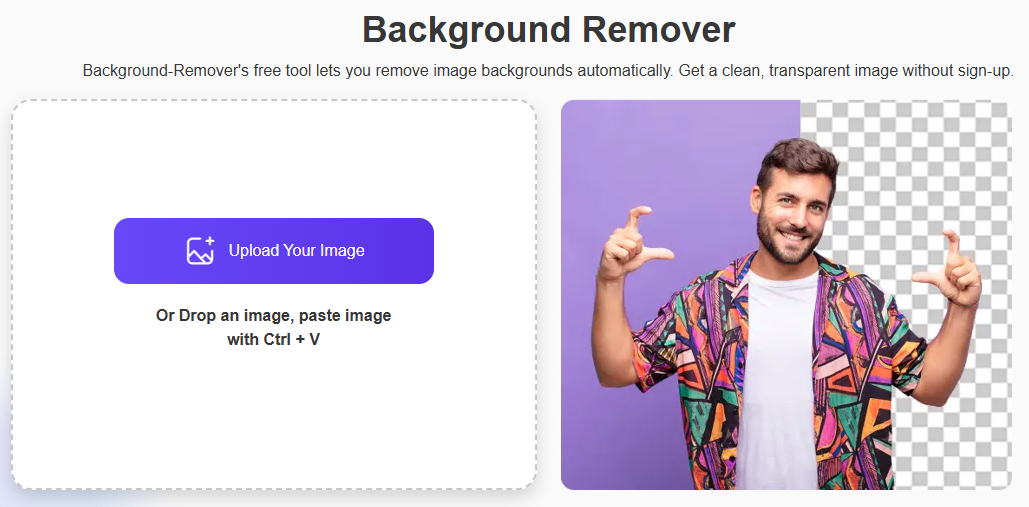
Give a try to this free background remover and let it use an AI model to auto-detect the subject and remove the background from your images in one click. You just have to upload an image (PNG/JPG/JPEG), the model will separate the subject, and you can download a transparent cutout with no signup required for basic use. This tool uses an intelligent AI model to remove the background from an image without sign-up, and there are no hidden charges involved.
Key Features
- One-click automatic background removal
- Browser-based (no install)
- PNG/JPG/JPEG support and instant download
Pros
- Very quick and easy for beginners
- No design skills required
Cons
- Limited advanced editing
- High-volume workflows may need a paid plan
Pricing
- Free basic usage.
2. Canva
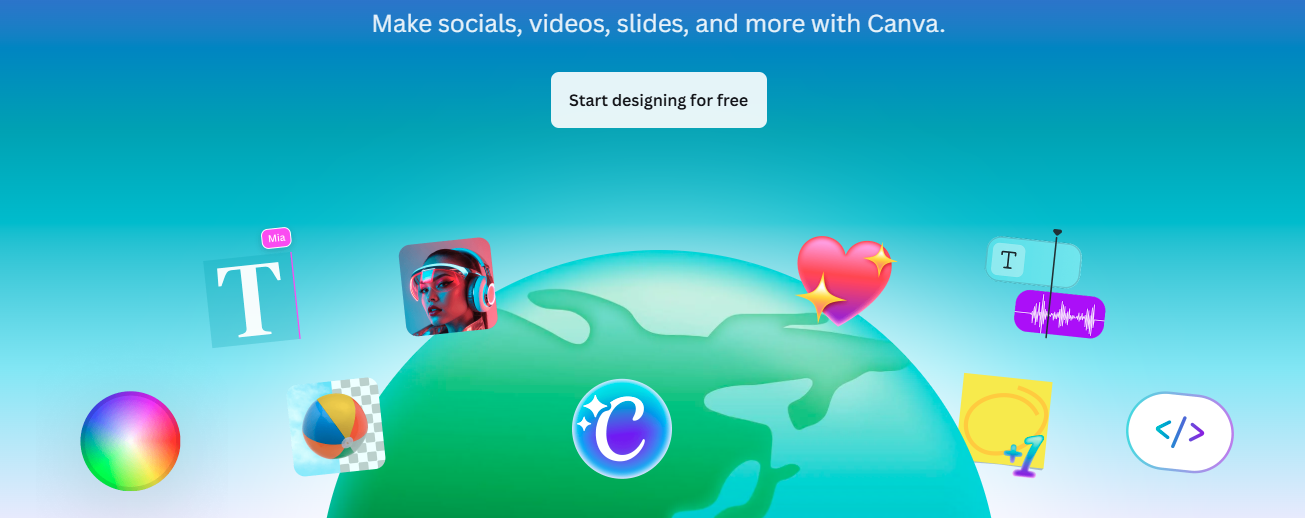
Canva has a built-in option that deletes the background in just one click, instantly, so you can keep designing right away using templates, text, and graphics. It is a perfect choice for social media posts and for making designs quickly. It is especially popular for social media and marketing creatives.
Key Features
- One-click removal
- Integrated with templates and brand kits
- Pro plans support video background removal
Pros
- Smooth design workflow
- Great for social and marketing assets
- Large asset library
Cons
- Locked behind Pro for unlimited use
- Not focused solely on pixel-perfect cutouts
Pricing
Available as part of Canva Pro / Business plans.
3. Remove.bg
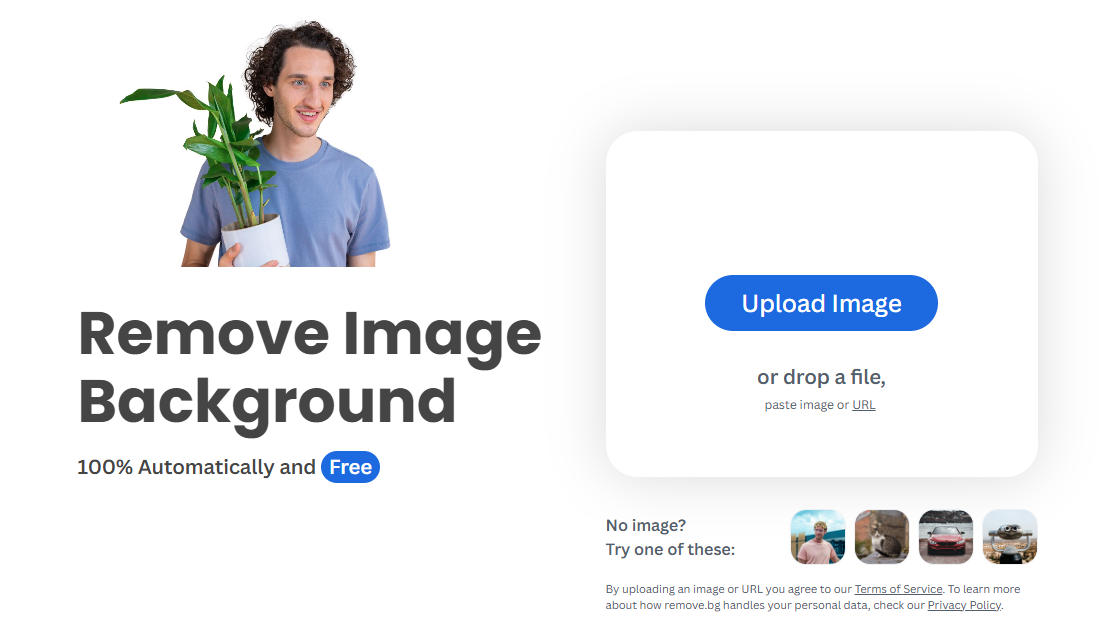
Remove.bg is an online tool that uses advanced models to separate objects from the background. This background remover offers web UI, desktop apps, and an API for automated or bulk workflows.
Key Features
- High-precision edge detection
- Desktop apps and API for automation
- Batch processing support
Pros
- Excellent results on complex subjects
- Scales via API and apps
Cons
- Free usage is limited
- Can get expensive at scale
Pricing
- Free Previews.
- Paid subscriptions and pay-as-you-go credits available (details on pricing page).
4. Fotor
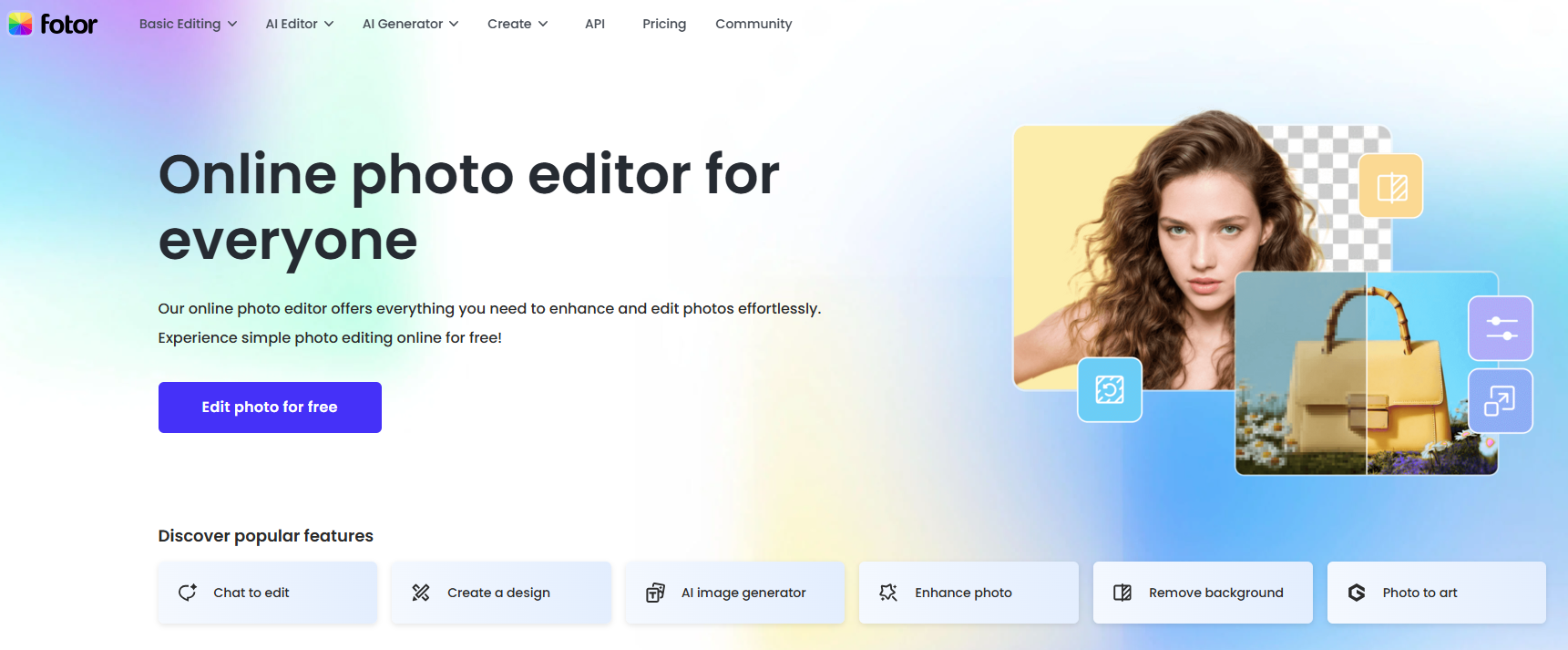
Fotor combines basic photo-editing features (crop, color, retouch). The remover runs in the editor, and then you can apply quick enhancements without switching apps. However, no huge manual intervention takes place to remove the background from images.
Key Features
- AI background removal tool
- Photo editor (brightness, contrast, crop)
- Templates and basic retouch options
Pros
- Good all-in-one quick workflow
- Free tier available for casual use
- Basic editing after removal
Cons
- Edge accuracy is weaker on fine details compared with Pro Tools
- Some useful features behind a paywall
Pricing
- Free tier.
- Tiers add HD downloads and advanced AI tools.
5. PhotoRoom
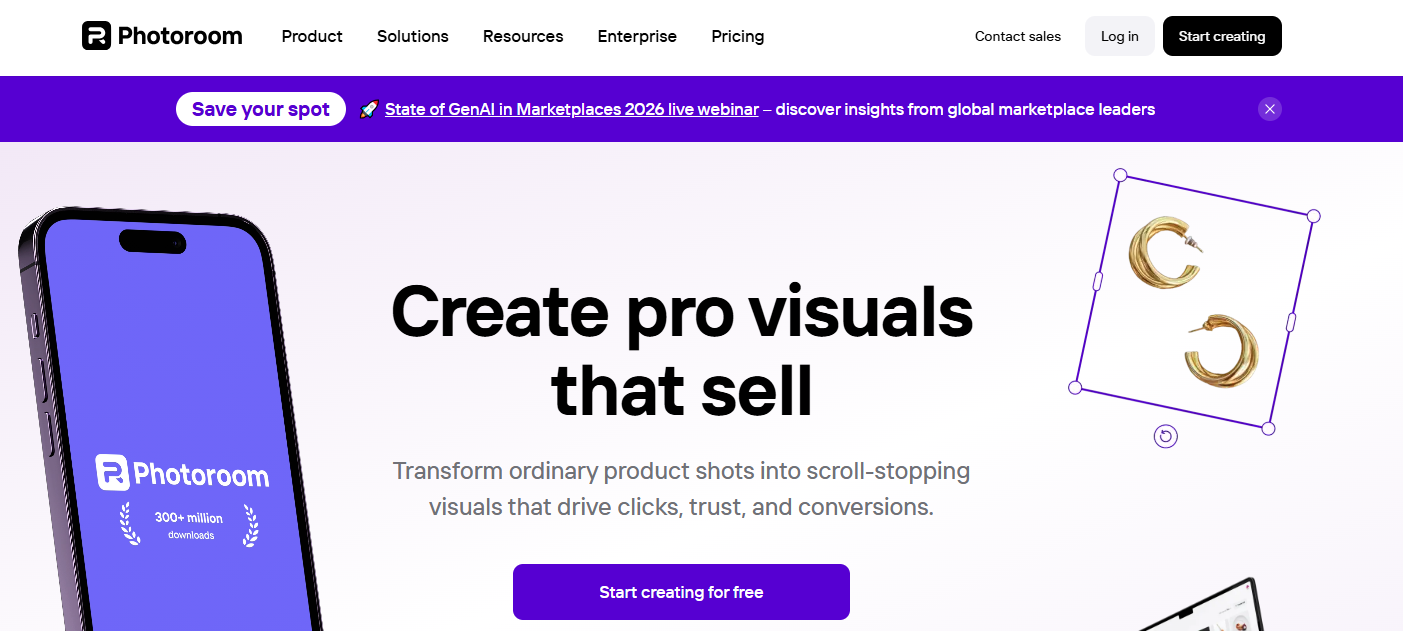
PhotoRoom catches the attention of e-commerce users. Just upload product photos, this tool removes the background from the image and suggests templates. It is a suitable source for product listings and marketplaces.
Key Features
- Product-focused templates and layouts
- Background removal optimized for goods
- High-resolution export and batch options
Pros
- Tailored for sellers and catalogs
- Produces consistent, professional product shots
- Mobile and web apps
Cons
- Free exports limited (most templates/bulk require paid plans)
- May require manual polish for tricky items
Pricing
- Free Preview.
- Pro/paid plans for higher limits and commercial use.
6. Pixlr BG (Pixlr)
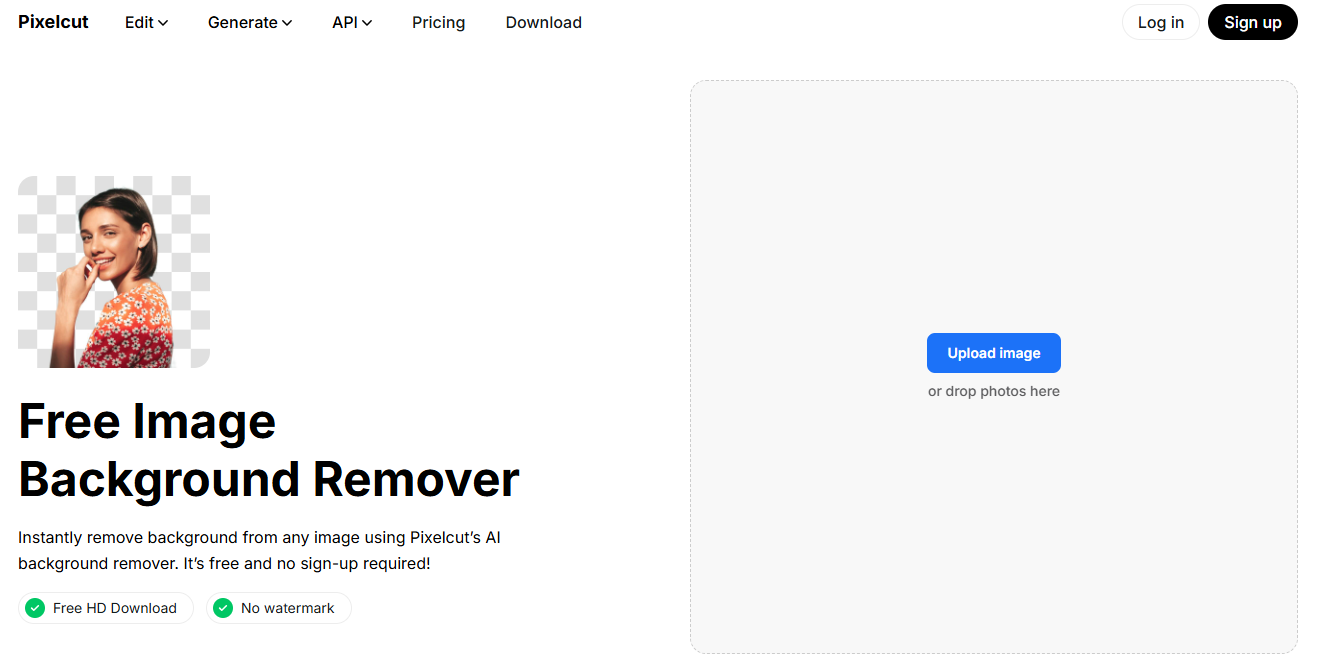
Pixlr’s BG removes backgrounds instantly, which facilitates editors to refine edges or replace backgrounds manually afterward. It is accessible and quick for both simple and slightly advanced edits.
Key Features
- Instant AI background removal tool
- Manual refine and background-changer tools
- Works in free web editor and apps
Pros
- Free to use with solid basic results
- Good manual control after auto removal
- Integrates into the full editor
Cons
- Slight learning curve for advanced edits
- Some premium features require a subscription
Pricing
- Free tier available.
- Premium subscriptions unlock extra features and remove ads.
7. Adobe Express
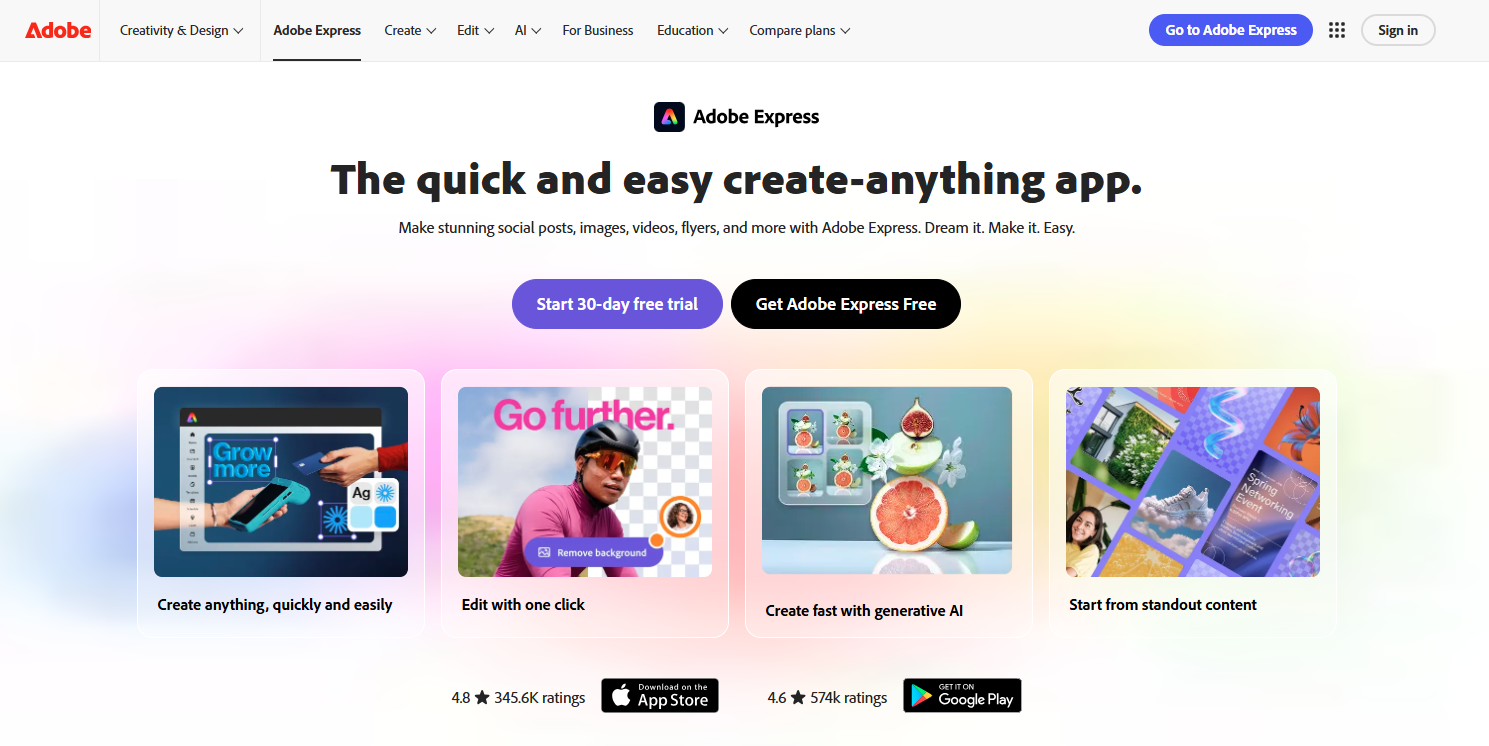
Adobe Express provides a free image background remover that works in-browser and plugs into Adobe’s templates and brand tools, removes a background, then adds branded elements or layouts directly in the same project.
Key Features
- Free online background eraser
- Integration with Adobe Express templates and editing tools
- Quick background swaps and design workflows
Pros
- Backed by Adobe’s ecosystem and templates
- Good for branded marketing materials
- Mobile and web support
Cons
- Some advanced features are behind a subscription
- Requires an Adobe account for the best experience
Pricing
- Free with limits.
- Adobe Express Premium unlocks full features.
8. Slazzer
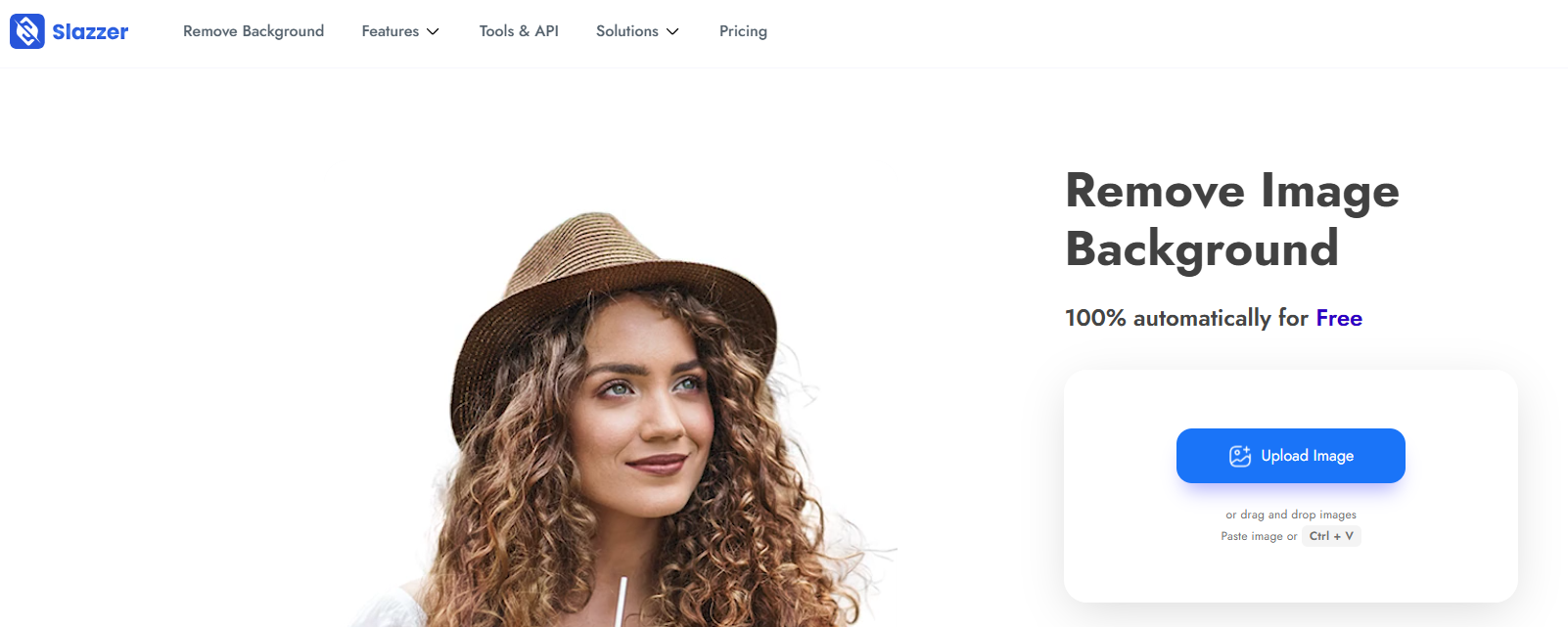
Slazzer is an AI background eraser built for speed and bulk jobs, upload single images or batches, or use the API/desktop apps to automate background removal for large workflows.
Key Features
- Fast automatic removal for many categories (people, products, cars)
- Batch processing and API access
- Desktop and plugin options
Pros
- Excellent for high-volume processing
- Flexible pricing models (subscriptions, top-ups)
- Handles complex edges well
Cons
- Full-resolution downloads consume credits
- Costs depend on volume (may require credit management)
Pricing
- Free previews.
- Subscription/top-up pricing and API/enterprise options.
9. Cutout.pro
Cutout.pro is an AI-powered visual tool. One-click background removal plus extras (enhancement, retouch, background replacement). It’s useful when you want both cutouts and extra image enhancement in the same platform.
Key Features
- Automated background removal and image enhancement
- Credit/subscription system for processing
- Additional creative tools (retouch, upscaling)
Pros
- All-in-one AI image suite
- Competitive per-credit pricing Plans
- Useful extra features beyond basic removal
Cons
- Interface can feel feature-dense for casual users
- Free quota is limited
Pricing
- Free available.
- Paid credit subscriptions (e.g., 100 credits ≈ $9.90/month).
10. InPixio
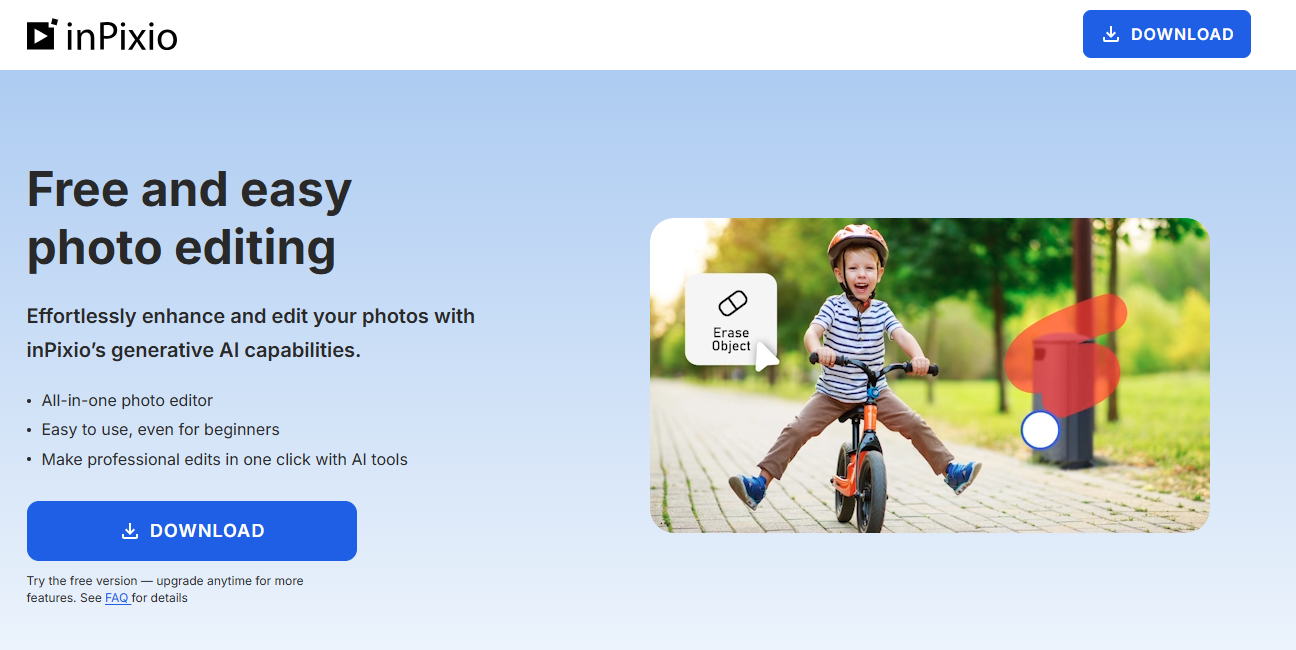
InPixio offers a simple free BG remover inside a broader, along with beginner-friendly photo editor. The tool is targeted at casual users who want quick, clean cutouts and basic retouching in one place.
Key Features
- One-click background removal
- Photo retouch and object removal tools
- Templates and export options
Pros
- Very easy for beginners
- Good value for non-professional use
- Integrated editing tools
Cons
- Not as precise on highly detailed edges as top-tier AI tools
- Some advanced features require a paid license
Pricing
- Free tools available.
- Paid desktop or mobile plans.
- Add advanced features and full export options.
Let’s Wind-Up:
AI image background remover tools have become essential for fast and professional photo editing services, retouching, and enhancement needs in 2026. Either you need a free online BG remover or an AI-powered solution for bulk or product images, tools like Background-Remover.co, Remove.bg, and Canva offer a simple and efficient way to erase backgrounds accurately.
Thankfully, just navigate with one of the given tools from this list and remove the background from images, screenshots, product photos, and more. Remember that the selection of the right tool depends on your workflow, image volume, and quality needs.